Accessibility Engineering as a Craft Discipline
Why deep accessibility skill outlasts scanners and AI-generated code.
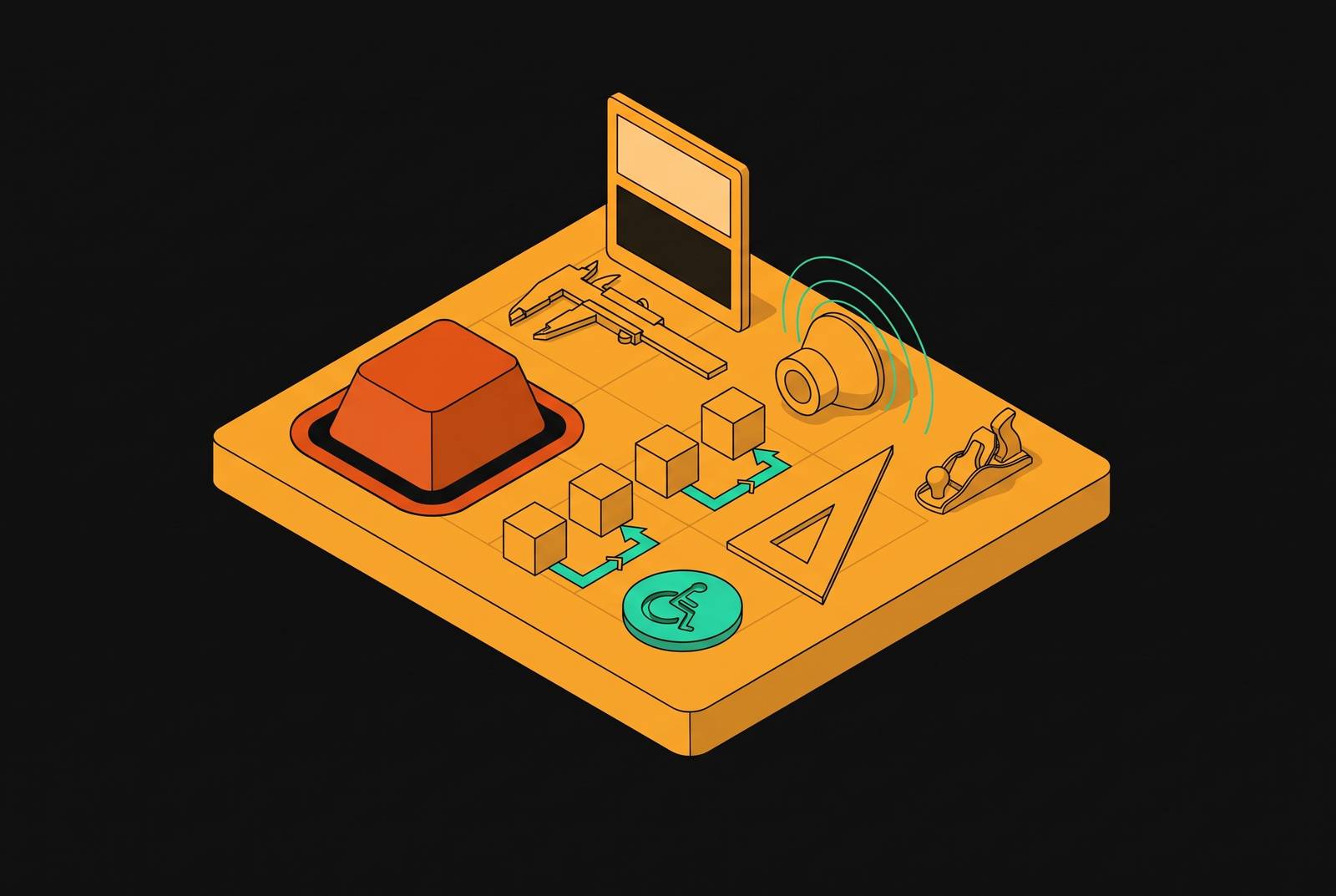
Accessibility engineering is becoming a craft discipline, with its own technical depth, career path, and standards of judgment. The engineers who develop that depth solve interface problems that a scan cannot explain and generated code cannot reliably avoid.
Why accessibility engineering is maturing from a compliance function into a craft discipline
“Compliance” sounds like a check at the end. Accessibility engineering calls for choices throughout the build, from which HTML element to use to how to manage focus across a complete journey. The old pattern left no one clearly in charge of those choices, then relied on a scan and a badge before delivery. That pattern confuses evidence of checking with evidence that people can use the interface.
Legal pressure has made the distinction harder to ignore. The European Accessibility Act became enforceable on June 28, 2025, while the US DOJ’s ADA Title II rule establishes WCAG conformance requirements for state and local government sites. But enforcement did not create the technical problem. The WebAIM Million report found automatically detectable WCAG failures on the vast majority of the homepages it analyzed, before accounting for barriers that automated checks cannot detect.
These are engineering failures. They stem in part from combining full-stack duties, using AI-generated code without semantic context, and leaving no one in charge. The response is becoming more structured, with a named role, a skill map, a leveling path, certification pathways, and hiring criteria. These structures give a name to the depth the work has always needed.
What the role landscape actually looks like — the distinct jobs and where accessibility engineering sits among them
An Accessibility QA Tester tests journeys and reports barriers with reproducible evidence, using screen readers and keyboard testing. An Accessibility Consultant assesses WCAG conformance and advises on remediation priorities, with documentation and stakeholder communication central to the job. An Accessibility Program Manager governs practices across teams and vendors, while an Assistive Technology Specialist supports users with particular devices and software.
Accessibility engineering is the role most closely tied to implementation and component architecture. It uses testing and assessment, but the work also involves building accessible interfaces, fixing broken ones, and making sure reusable components work well. Titles are not clean boundaries, however. Some employers combine accessibility testing with frontend engineering or QA, so the responsibilities tell more than the label.
In a career framework, this is horizontal, product-facing work. Its value comes from improving what many teams build. That position makes technical judgment and cross-team explanation central to the role. Meanwhile, pure frontend jobs are consolidating into product-engineer roles that combine design systems, performance, and accessibility. Bundling those responsibilities does not erase the specialty’s depth, but makes standalone expertise rarer and more valuable.
The technical skill stack that separates accessibility engineering from general frontend work
The foundation is understanding how disability changes interface use. Blindness and low vision, deafness, motor and dexterity differences, and cognitive disabilities place different demands on the same page. Using assistive technology puts that knowledge to work. NVDA, JAWS, VoiceOver, magnifiers, braille displays, switch devices, voice control, and eye tracking are testing instruments. Familiarity with one does not stand in for understanding the others.
Semantic HTML is the engineering base for that testing. Heading hierarchy, landmarks, buttons, links, form labels, and table markup express what an interface is. The distinction between a button and a link is therefore not cosmetic. It is part of the interface’s meaning, which the engineer must preserve before adding custom behavior.
A custom dropdown exposes the next layer of skill. How it looks alone cannot show whether its role, state, properties, and keyboard behavior agree. The engineer needs to understand how ARIA affects the accessibility tree and whether ARIA is necessary at all. A modal dialog adds focus management, including a focus trap and focus restoration after closing. Testing these interactions requires more than inspecting attributes.
The wider stack includes contrast, motion, captions, audio description, and transcripts. At senior level, it also includes components that remain accessible when combined with other components, plus remediation of third-party and generated code. Composition is a harder test than isolation. A practitioner must be able to build a component, test it with a screen reader, explain its failures, and repair them. Explaining the repair to designers and product managers is part of that technical work, because a correct implementation still needs a pattern the team understands.
What WCAG 2.2 and ARIA actually demand from an engineer, and why AI-generated code gets both wrong
W3C published WCAG 2.2 as a Recommendation in October 2023. Its four principles are perceivable, operable, understandable, and robust, with conformance levels A, AA, and AAA. Knowing those labels is only a starting point. The engineering work lies in interpreting individual criteria against an interface and the process it belongs to.
Conformance applies to full pages and complete processes. A component that passes in a test harness can still fail in its page context. Meaningful sequence, sensory characteristics, and orientation call for judgment about how someone uses the interface as well as checks for whether specific attributes are there. The unit of assessment is broader than an isolated implementation.
Generated code often misses that relationship between structure and intent. A custom control can look right while exposing a role, state, or property that does not match its behavior. An ARIA attribute can be present but wrong. Other failures include missing focus traps and live regions that announce at the wrong moment, neither of which becomes correct simply because the markup looks plausible.
Deterministic scanners catch attribute-level failures, but cannot settle every question about experience. Whether a tab sequence makes sense depends on what the person is trying to do. This is where the engineer’s judgment enters code review. An engineer with deep accessibility knowledge reads generated code critically, looking for the mismatch between the interaction it promises and the behavior it provides.
How the AI tooling layer actually works — and what it cannot replace
The tools are useful when their limits remain visible. Deque’s axe DevTools packages axe-core with “Intelligent Guided Tests” that involve a practitioner in checks the automated engine cannot perform alone. Its keyboard checks cover areas including keyboard traps and focus indicators, with tab order analysis also included. An enterprise dashboard supports issue tracking across products. Guided testing is not the same as an autonomous verdict.
TestParty uses AI for scanning and prioritization, while expert humans create source-code fixes delivered as GitHub Pull Requests. General coding agents, including Claude Code, Cursor, and GitHub Copilot in VS Code with Playwright MCP, can connect to a browser through MCP and read the accessibility tree. Access to that tree gives an agent useful evidence, but does not reproduce a person’s experience with assistive technology.
An efficient 2026 workflow divides the work accordingly. A deterministic engine catches attribute-level failures, AI flags and explains probable experiential failures, and a human screen-reader tester checks the flagged interactions. This reduces repeated discovery. Agents still cannot fully replicate testing with real assistive technology and people with disabilities.
Overlay widgets show the danger of reversing that relationship. Adding a widget to semantically broken markup does not make a site conformant, and a green badge cannot establish compliance. Regulators and courts examine the underlying code. In early 2025, the US Federal Trade Commission reached a consent order settlement with accessiBe over overstated claims about its product’s capabilities. That was a regulatory signal against treating an overlay as a substitute for the underlying work.
What the leveling path and hiring criteria reveal about how the field values expertise
Hiring tests make the expected depth concrete. Accessibility interviews commonly include live audits, screen-reader demonstrations, and ARIA implementation exercises. These tasks reveal whether a candidate can connect a failure to its cause and implement a sound alternative. Tool familiarity cannot make that judgment on the candidate’s behalf.
Someone who knows the craft can build and test an accessible component, while senior work includes reusable architecture, hard remediation, and explanations that help other teams make better choices. A personal connection to disability or assistive technology can be a signal of interest, but it is not a requirement. Candidates still need to show that they can do the work and truly care about accessibility.
A documented before-and-after remediation case makes that ability visible. Like a shipped feature, it shows a problem addressed through working code, with the added evidence of reproduction steps, user impact, and the applicable WCAG criterion. A certificate alone cannot show those decisions.
TPGi and Allyant provide specialist consulting work across auditing, remediation, and training, while founding-engineer and senior product-engineer posts increasingly bundle accessibility with responsive design, cross-browser compatibility, and performance. Remote work is a notable part of the market, though most posted positions remain physical or hybrid.
What engineers who have internalized accessibility do differently from engineers who perform it
Engineers who have internalized accessibility reach for semantic HTML first and use ARIA where native semantics do not cover the required pattern. Screen-reader testing happens during construction and at handoff. As part of their usual engineering review, they check generated and third-party code for semantic errors, missing focus management, and broken keyboard patterns.
Their findings also have a different purpose. Rather than handing over flagged elements, they document reproduction steps, user impact, the relevant WCAG criterion, and a resolution path. The report becomes a usable engineering artifact. When a designer or product manager needs an explanation, they describe the barrier in terms of the interaction someone cannot complete.
They keep up with changes to the standard. WCAG 2.2 is the conformance target in this work, while WCAG 3.0 working drafts indicate where the field is heading. Tracking both means distinguishing what must be implemented now from what deserves attention next.
The obvious objection is that small teams cannot afford a dedicated accessibility engineer. Does that make generalist tooling enough to cover the work? It makes accessibility a generalist frontend skill that needs real depth. The widespread failures in the WebAIM report are the outcome the checkbox approach has failed to prevent. Craft changes that approach by making interface usability an engineering responsibility during the build.
How to build toward this expertise — a practical path for engineers who want to go deep
Use NVDA or VoiceOver to navigate real sites, and test with the keyboard alone before trying to repair anything. Learn to recognize where an interaction breaks. Then read the accessibility tree in browser developer tools beside the DOM, connecting the code to the meaning exposed to assistive technology.
Next, study WCAG 2.2 criterion by criterion. Use the Understanding WCAG documents and Techniques library as working references. Practice ARIA patterns for custom components, including modal dialogs, comboboxes, and tab panels. Work through focus traps, how to restore focus after a modal closes, skip links, and logical tab order. These exercises turn abstract requirements into decisions that can be tested.
Build a portfolio that goes beyond credentials by showing the repairs you have made. Include the before-and-after implementation, reproduction steps, user impact, and the relevant criterion so another engineer can follow the reasoning. Contribute to or build accessible design-system components as well. These examples show whether the work can help many teams beyond fixing a single page.
Semantic HTML fluency and comfort with browser developer tools support the assistive-technology and WCAG layers. When choosing a team, look for one where engineers are in charge of accessibility throughout delivery. A team that delegates it to compliance at the end is offering a different kind of work from one that treats it as part of building the interface.