Visual Prompting and Design Mode in Agentic Coding Workflows
Visual input works best for translating settled designs into component code.

Visual prompting and design mode belong at the point in agentic coding workflows where design intent becomes a task to build. They can shorten that handoff, but they do not replace design judgment or engineering control. Treating visual input as a separate specification layer makes its strengths useful and its limits easier to see.
What agentic coding workflows actually are and where visual input enters them
An agentic coding workflow gives the agent more responsibility than completing a line or generating a snippet. The developer sets the intent and acts as the architect, while the agent plans, edits files, runs tests, and self-corrects. The developer spends more time defining the task and judging the result. CI and pull request review remain the checkpoints for accepting that result.
The earlier ChatGPT snippet era made boilerplate fast but left developers assembling the pieces. The Claude Opus vibe-coding phase changed what a prompt could contain. Large context made it practical to paste a screenshot and say “make it look like this,” then get a matching UI back. That demonstration showed that visual input could replace a long description of layout without establishing how the resulting code should be tested or maintained.
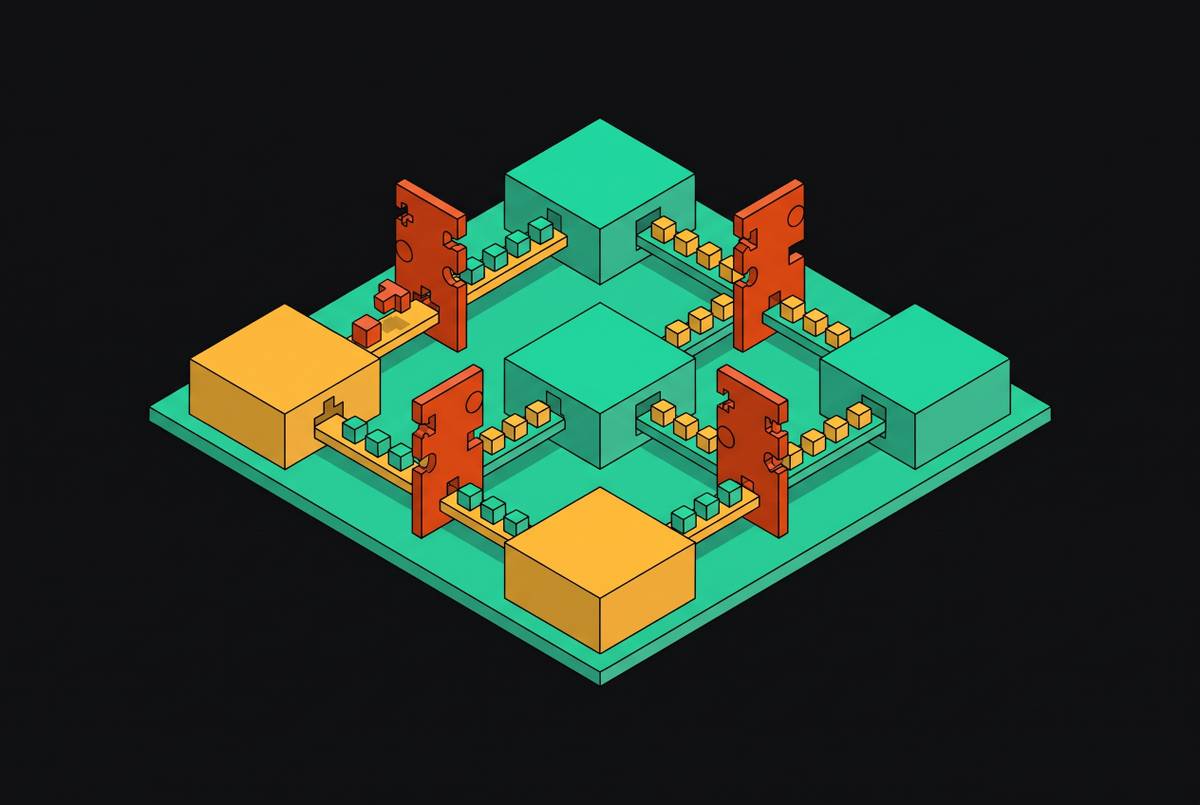
The agent plans in the IDE, runs the work locally in a sandbox, checks it in CI, and puts it through a pull request for review. Visual prompting enters during planning and specification. A visual reference now occupies a defined specification slot within a structured process that handles execution and verification separately, answering the objection that visual prompting is just vibe coding repackaged.
What visual prompting actually means as an input layer — and what it is not
Visual prompting means giving an agent a screenshot, sketch, or design file instead of describing the same intent entirely in words. A screenshot of an existing UI supplies a concrete appearance. A rough hand-drawn sketch shows a loose layout, while a Figma frame or exported design file can show choices that are more settled. These inputs are not interchangeable in their precision. Each leaves a different amount for the agent to infer.
The input medium does not define the workflow. A screenshot is a way to specify a target. The agent consuming it still needs to decide how that target maps to code, and the surrounding workflow still needs to establish whether the code is acceptable.
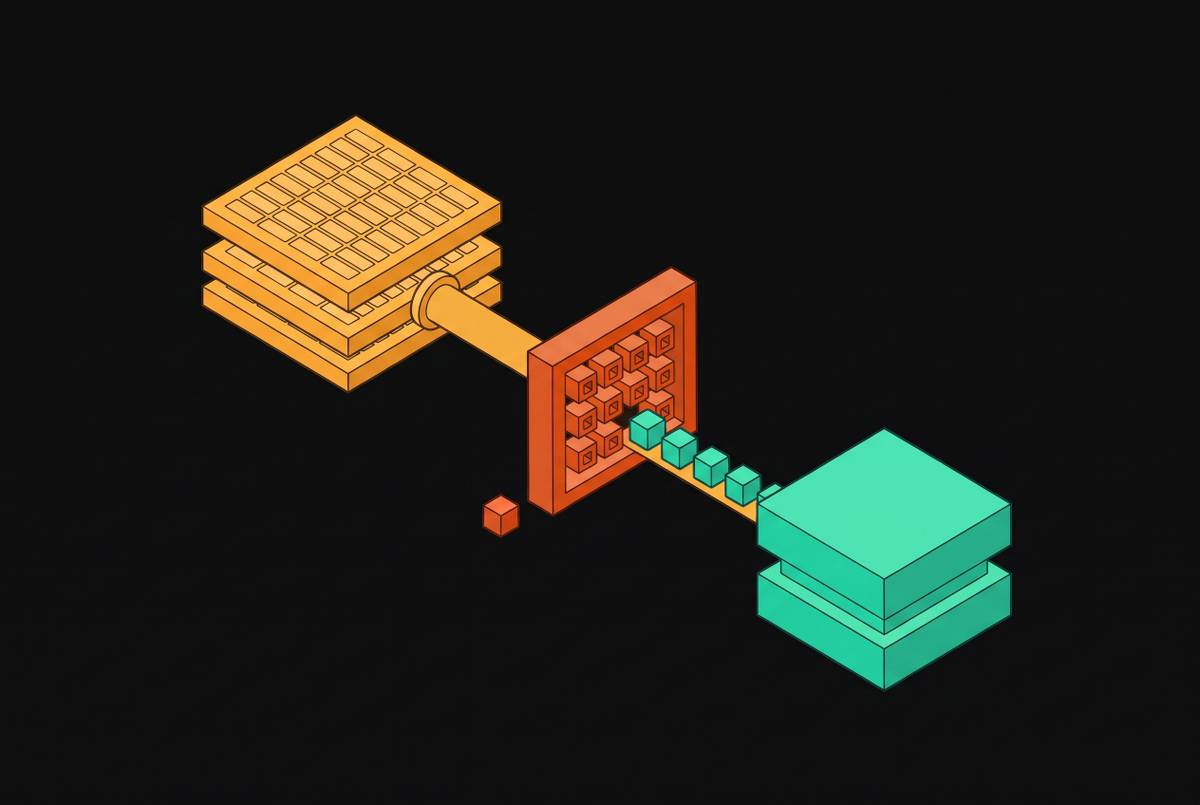
Huang et al.’s Agentic Visual Generation gives this distinction a useful vocabulary. L1 Conditioning Control constructs the specification consumed by a predetermined executor, which describes the role visual prompting plays in most current tools. L2 Execution Control has a broader scope of control, selecting and invoking operations during execution. Giving an agent a screenshot changes its starting condition, but does not by itself change how it chooses actions.
That is why “given a screenshot” and “using a design agent” are not equivalent descriptions. The same image can enter systems with very different abilities to act on it. What distinguishes them is what they can decide, inspect, and revise after receiving the reference.
The architectural difference between a coding agent that produces UI and a design agent that produces intent
A coding agent and a design agent answer different questions. The coding agent is graded on whether the result runs, while the design agent is graded on whether the design is considered. A UI can pass the first test without passing the second. Even output that matches every pixel can feel generic when the choices in the reference are generic.
The distinguishing design-agent pattern makes that thinking part of the process. It forks distinct UI directions in parallel, much as version control allows separate branches, and supports comparison before convergence. It then extracts a design system that can guide implementation. A coding agent can consume that specification without also having to invent the design direction.
The strongest objection is straightforward. If coding agents are getting better at producing UI, why preserve the distinction? Because the initial render is only one test. Complex state and brand coherence across components expose demands that a successful screenshot translation does not settle. A tool can be good at rendering a reference without being good at maintaining its design logic through a long task.
The study Can Coding Agents Solve Repository-Level Issues with Rendered Code? looks at a related but different use of rendered code, as context for the work. The study finds that visual representations can help when reading source is the bottleneck, but offer less leverage over patch–test trial-and-error. It does not test screenshot-to-UI design directly. Its relevance is narrower, showing why success at understanding a visual representation cannot establish that the representation controls a whole coding trajectory.
Huang et al.’s hierarchy names what else a system can do. L3 Outcome-Adaptive Control revises actions from intermediate results, while L4 Experience-Adaptive Control uses prior task experience to change later tasks. Giving an L1-only system a better image does not give it those abilities. The architectural distinction therefore rests on the decisions a system can make after the first output.
Where visual prompting performs well in a real agentic coding workflow
Visual prompting earns its place when the design is settled and describing it to the coding agent is the slow part. Bolder Apps’ internal test found that Design Mode greatly cut the time it took to build a standard card component, including QA review of the generated code. That component-level result supports the use case where a clear visual artifact needs to become an implemented component.
The boundary is important because the surrounding workflow already handles other jobs. The coding agent edits files, runs tests, and corrects failures, while CI and pull request review support verification. Visual input closes the gap before that work begins. It gives the agent starting context without requiring someone to translate every visible choice into prose. QA is still part of the task, even when the render looks convincing.
This works for teams whose designers and developers already work in Figma. Component-level tasks with clear references leave less design intent unresolved, especially when the UI must match an existing design system. The artifact does real specification work through the decisions it expresses.
Visual specifications can also compose with parallel-agent workflows. Where agents operate on separate branches, the same visual specification can seed parallel implementation threads. That expands how the input can be used. Its role remains the same, because each thread still needs execution and review.
Where visual prompting breaks down and what that reveals about its limits as a control mechanism
A screenshot tells an agent what a target looks like. Long coding tasks require searching across files, locating relevant regions, running tests, and revising hypotheses. Those actions rely on evidence that the agent gathers as it works. An initial visual condition cannot provide that evidence in advance. When execution complexity is the bottleneck, a clearer reference does not remove it.
Huang et al.’s L3 category captures the missing ability. Outcome-adaptive control observes an intermediate result and changes a later operation in response. Visual prompting alone does neither of those things. A coding agent may have that capability through its execution loop.
The design-judgment limit is just as direct. A mediocre reference can yield a faithful implementation of a mediocre design. Visual prompting amplifies the supplied intent, so the input artifact sets the quality limit of the design being translated. More faithful rendering is not a substitute for reconsidering that design.
Visual prompting as a standalone specialty risks becoming a baseline competency, much as early prompt engineering did. Context engineering offers a more durable distinction because it concerns what information an agent needs at each stage. That includes reviewing the translation itself. Zekun Wu et al.’s From Review to Reuse explores editable, graph-based views of completed agent work, giving users a way to inspect, validate, and adapt the process.
The practical rule is to use visual prompting when specification is the bottleneck and the design decision has already been made. When the decision itself is unresolved, the appropriate work belongs with a design agent or human judgment.
How the design engineer role crystallized around exactly this skill boundary
A venture-backed AI startup’s Founding Design Engineer listing, posted in October 2026, explicitly describes work that is “not a traditional product design role where you create Figma files and hand them to engineering”. Instead, the role sits at the intersection of product design, visual/brand design, and frontend engineering. One function is responsible for connecting design decisions to working implementation.
That changes what counts as a distinguishing skill. At frontier companies, producing a working React prototype from a Figma frame in under an hour with AI assistance is described as the floor. Tool fluency is expected. The engineer faces the harder task of judging the system being built and diagnosing why an apparently successful generation is wrong.
The durable skills at this boundary are system design taste, debugging, and writing. Debugging means reading traces, forming hypotheses, and owning the postmortem. Writing makes intent clear enough for an agent to act on it. For engineers choosing where to invest, Figma fluency supports the work, but judgment and the ability to explain a system are what make that fluency useful.
How to use visual prompting intentionally — fitting it into a structured agentic workflow
The practical approach is to place visual input after design decisions and before coding execution. At the specification stage, teams using Figma should pass frames through the available design integration or to a design agent. A sketch needs different treatment. Converting it into a design system artifact that expresses the decision before handing it to the coding agent reduces the unresolved design work being passed off as implementation.
Once execution begins, the coding agent plans, edits files, runs tests, and self-corrects. The visual reference remains part of its specification, but does not become the execution controller. Feedback must come from the work itself.
Review should then examine the translation as well as the resulting UI. Wu et al.’s post-task workflow research offers a relevant model through inspectable, editable graphs of completed agent executions. Applied to this boundary, that approach lets teams validate how visual intent became code and adapt the process for the next component. The reviewed workflow can also inform a later task.
This is context engineering in practical terms. No single agent wins every task, so the engineer’s job is to provide the right information at the right stage. If the work is a visually well-specified component awaiting translation, use it. If the work is an unresolved design decision or a system-level architectural problem, use a design agent, design review, or human designer for the former and recognize that an image cannot solve the latter. Tool choice comes after that diagnosis.